![GS Logo-GS platform.png]](https://support.govspend.com/hs-fs/hubfs/GS%20Logo-GS%20platform.png?height=25&name=GS%20Logo-GS%20platform.png)
- Access Saved Search Workflows in AI Search: Pull and run existing searches or have AI search create and save a search within any module. Learn more →
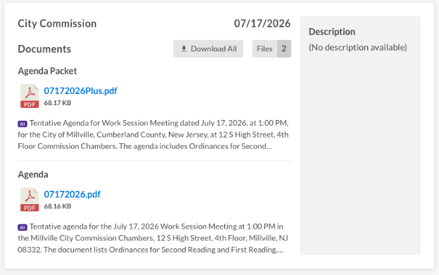
- AI Document Summaries Now Visible on Meeting Details Page: For document-only meetings, we are now displaying a general, AI-generated summary of each document on the Meeting Details page.
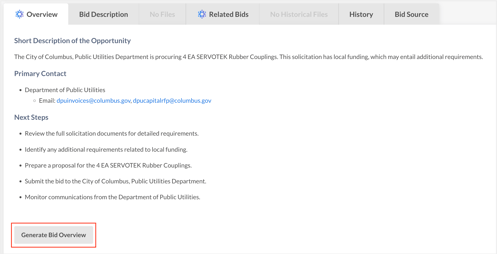
- Generate and Download Bid Overviews as a PDF: The PDF includes the agency, posted date, due date, and an AI-generated overview. Clicking the title, attachments, or agency name within the PDF links back to the relevant record.
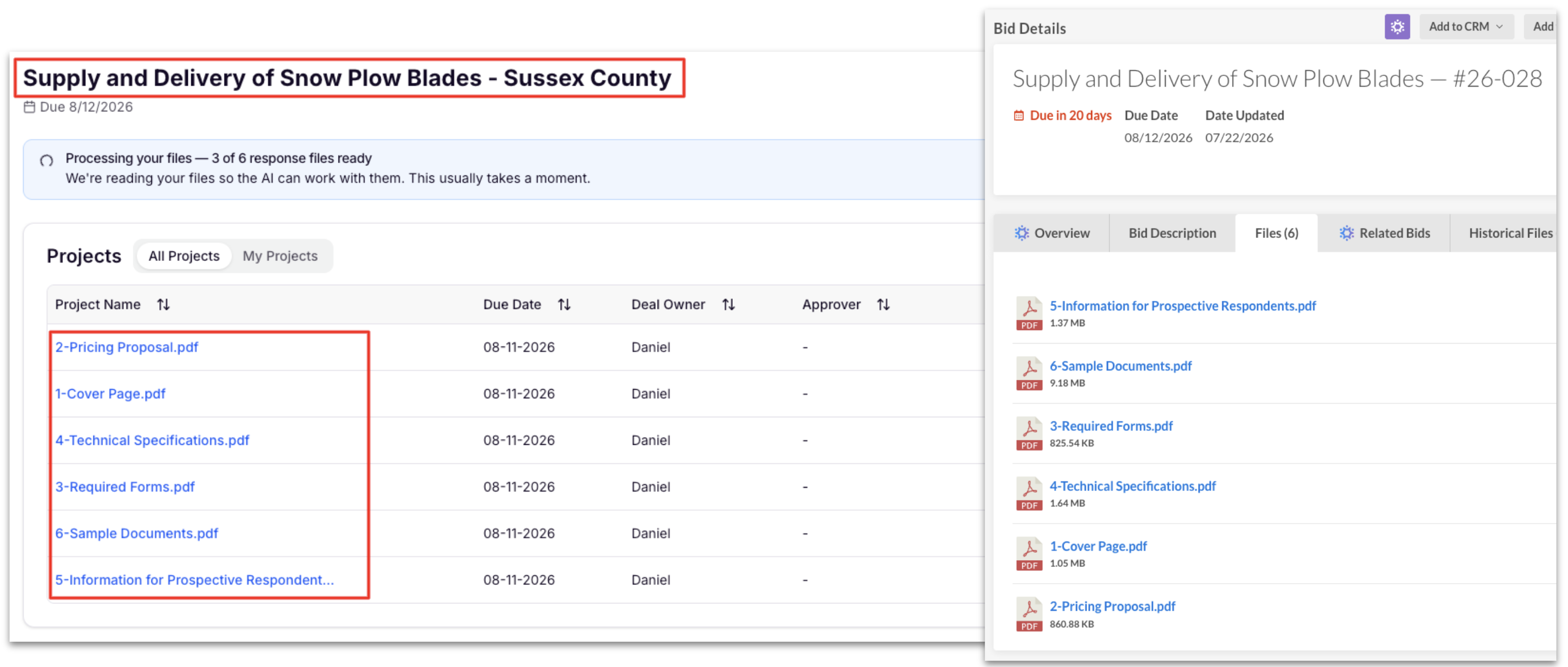
- Iris Integration Now Groups All Bid Documents Into One Project Folder: When pushing a bid with multiple attachments to Iris, all documents are now grouped into a single project folder, named by the bid title and agency, instead of creating separate projects for each file. This keeps project lists streamlined and easier to navigate.
- Improved CSV Export Stability in Exports: We've updated how CSV exports are processed behind the scenes to improve reliability and platform performance. Large exports are now less likely to time out or fail, with no changes to the export workflow—just a faster, more stable experience.
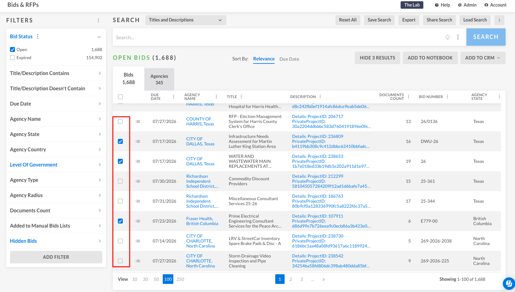
- Scroll Position Preserved in Search: When viewing a record in Bids, Contracts, or Spending, you'll now return to the same position in your results list instead of being taken back to the top. The same improvement applies when selecting saved searches for dashboards, making it easier to work through large result sets.
-
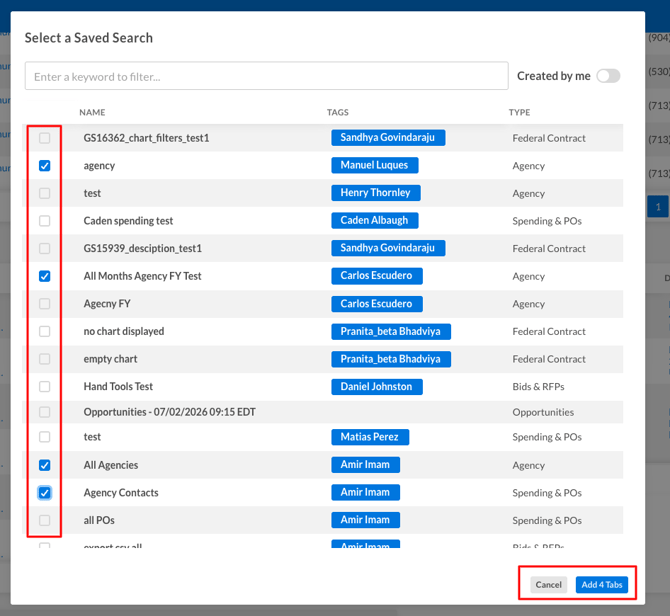
Dashboards Select Multiple Saved Searches: You can now select multiple saved searches at once when adding them to a dashboard tab. The Add button displays how many searches you've selected, and options automatically become unavailable once you reach the 10-search limit.
-
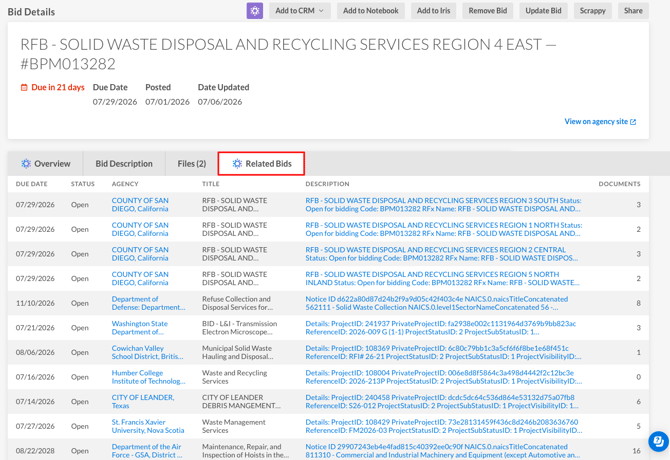
Related Bids: Bid detail pages now include AI-powered Related Bids. GovSpend analyzes each bid and surfaces similar procurement opportunities ranked by relevance, with active bids displayed first, helping you discover related opportunities and better understand the competitive landscape.
- Federal Datasets
- Contracts: Contracts now lets you send contract records to AI Notebook and Salesforce, bringing more content into your workflow and expanding what you can analyze with AI. Learn more →
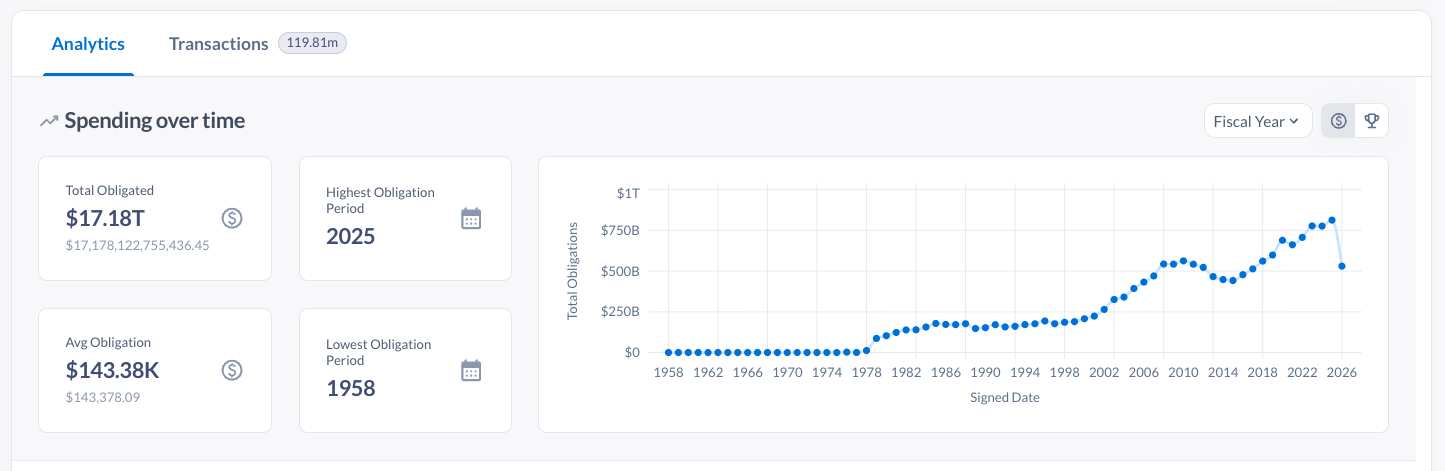
- Spending Analytics: Spending Analytics now includes enhanced federal spending visualizations, interactive chart filtering, and expanded Title/Description search for more precise, Boolean-like keyword matching.